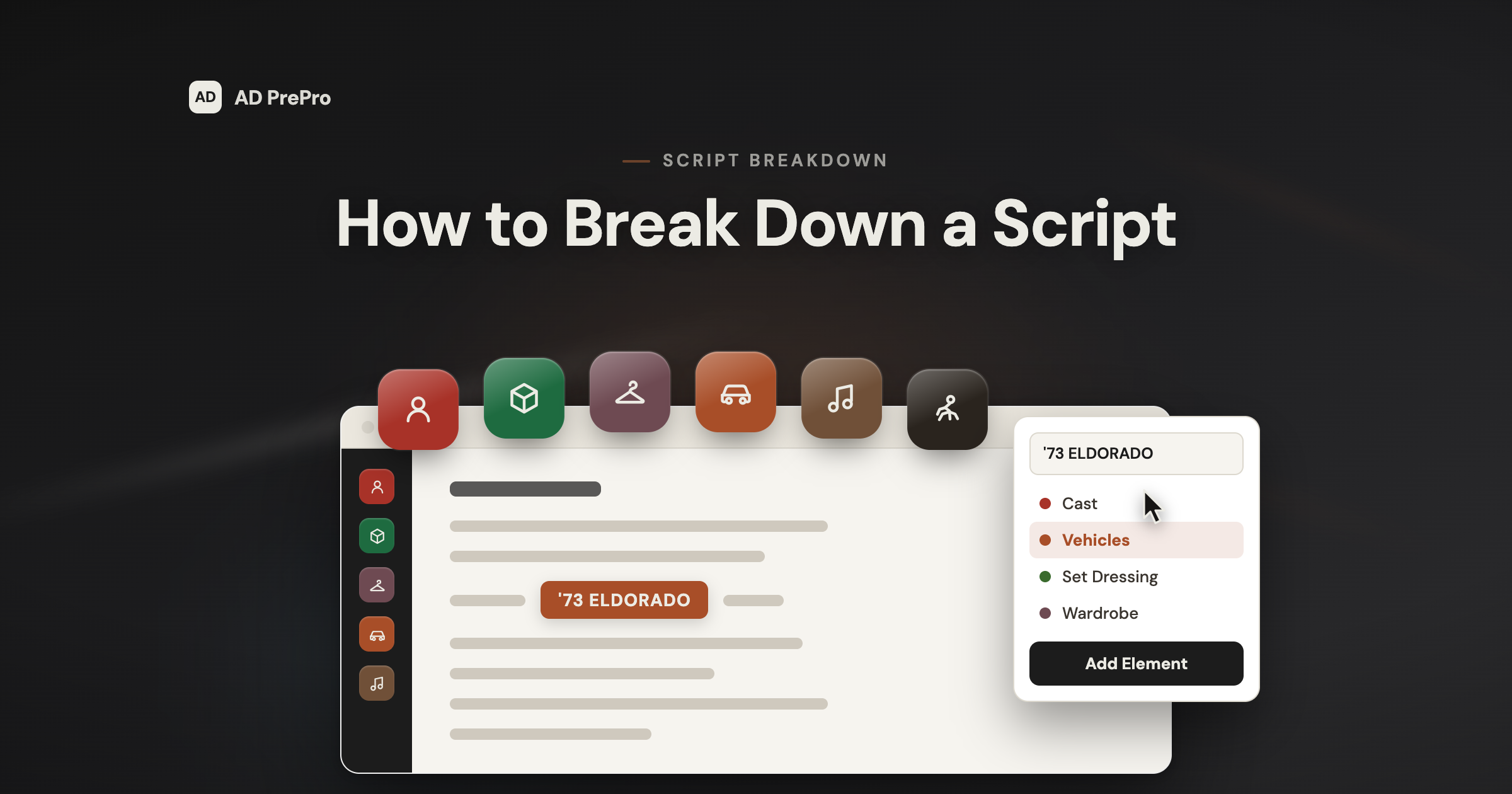
How to Break Down a Script: A 1st AD's Method + Free Template
Script Breakdown
The producer breaks down a script for the budget. The AD breaks it down for the schedule. Here's the method: what to tag, the color code, and the 20% AI can't catch. Plus a free template.
The breakdown sheet isn't the hard part. Knowing what to look for, as the AD and not the director, is.
A script breakdown is a scene-by-scene inventory of everything a scene physically needs: cast, extras, props, vehicles, stunts, effects, wardrobe, and the rest. You read the script, tag every element, and turn 120 pages of story into a list of things you have to schedule, book, and pay for.
Here's the distinction that decides whether your breakdown is any good. The producer breaks the script down for the budget. The 1st AD breaks it down for the schedule. Same script, different questions. The AD's questions are the ones that keep the shoot day from falling apart.
So this guide covers how to break down a script the way an AD does it: how to read for logistics, what to tag, the standard color code, the 1/8-page count, the elements the script never states out loud, and where AI saves you time versus where you still have to do the work yourself.
Break Down the Script for the Schedule, Not the Budget
Every department reads the same script asking a different question. The director asks what a scene means. The producer asks what it costs. You ask what it costs in time, people, and logistics, because you are the one who has to fit it into a shooting day.
That framing changes what you notice. A one-page kitchen scene with two actors shoots in twenty minutes. A half-page scene with a stunt, a rain effect, four extras, and a location ninety minutes from base can eat your whole morning.
The page count doesn't tell you that. The breakdown does. Read every scene for the elements that add time: company moves, night work, minors, animals, effects, cast you have to work around. Those are the ones that decide how many scenes actually fit in a day.
Read It Three Times Before You Tag Anything
Don't start highlighting on page one of your first read. You get one first impression of a script. Spend it understanding the story, not hunting for props.
First read: as an audience member
Follow the story. Notice the big set pieces, the emotional beats, the scenes that are obviously going to be hard.
Second read: for format and continuity
Catch scene-numbering problems, missing sluglines, and day/night jumps before they poison your schedule.
Third read: the breakdown pass
Now you tag, because now you know what the story is actually asking each scene to do.
Skip the first two reads and you tag mechanically. You catch the props an actor holds and miss the ones the story implies. The AD's value is in the second category.
What to Tag: The Elements
Go scene by scene and pull every physical element into its category. These are the buckets almost every production uses:
- Cast: every character with a speaking role in the scene (the actors you book and pay)
- Background / extras: silent bits and atmosphere, with a rough count
- Stunts: anything needing a stunt coordinator, a double, or dedicated rehearsal
- Special effects: practical fire, rain, smoke, breakaway glass, squibs, anything with a safety officer attached
- Visual effects: greenscreen, markers, witness cameras, anything handed to post
- Props: anything an actor handles that has to be sourced, made, or cleared
- Vehicles: picture cars, motorcycles, boats, anything wrangled and insured
- Animals: plus the wrangler and the extra prep time they need
- Wardrobe: anything special that adds time at the top of the day
- Hair & makeup: prosthetics, aging, blood, anything beyond a normal call
- Special equipment: crane, Steadicam, underwater housing, drone, process trailer
- Notes: permits, minors, safety, night work, weather exposure. The flags nobody else tracks.
Tag it in every scene it appears, not just the first. That repetition is the point. It's how the schedule later knows a picture car is needed on days 3, 7, and 11, and how the Day Out of Days knows which cast members overlap.
The Breakdown Color Code
When you break down by hand, each element category gets its own highlighter color. The color code below is the one Movie Magic made common and most of the industry still recognizes, so a coordinator can glance at a marked-up script and read it instantly.
Reference · Script Breakdown Colors
The Breakdown Color Code
One warning before you memorize those colors. They tag elements on a marked-up script. They are not the same as the revision colors, the fixed sequence of paper colors that tracks which draft a page belongs to as the script changes in prep. Same word, different job. Mix them up in a conversation and you'll confuse everyone in the room.
Reference · Script Revision Colors
The Revision Color Sequence
- White
- Blue
- Pink
- Yellow
- Green
- Goldenrod
- Buff
- Salmon
- Cherry
Count Your Pages in Eighths
Part of the breakdown is measuring how long each scene runs, and the unit is the 1/8 page. Divide every page into eight one-inch strips and count how many a scene covers. A scene is "2 and 3/8" pages, not "about two and a half."
That precision is the currency of the whole schedule. A day is planned in pages, so the difference between eyeballing and counting is the difference between a day that finishes and a day that doesn't.
One script page is roughly one minute of screen time, and most productions shoot in the range of a few pages a day. Get the page count wrong and every downstream estimate inherits the error.
What the Script Doesn't Say Out Loud
This is the part that separates an AD's breakdown from a data-entry pass. Scripts state the obvious elements and imply the expensive ones. Your job is to catch the implied ones.
"He grabs his keys and leaves." That's a prop (keys) and probably a vehicle (the car he's about to drive) and maybe a second location (the driveway). One line, three elements.
"The bar erupts in cheers." Nobody wrote "40 extras," but the scene just told you to. Count the background now, because casting and wardrobe need that number weeks out.
"EXT. ROOFTOP - NIGHT." A slugline can hide a night exterior, a height-safety concern, a lighting package, and a turnaround problem into the next morning, none of it written as an "element," all of it yours to flag.
Where AI Helps, and Where It Doesn't
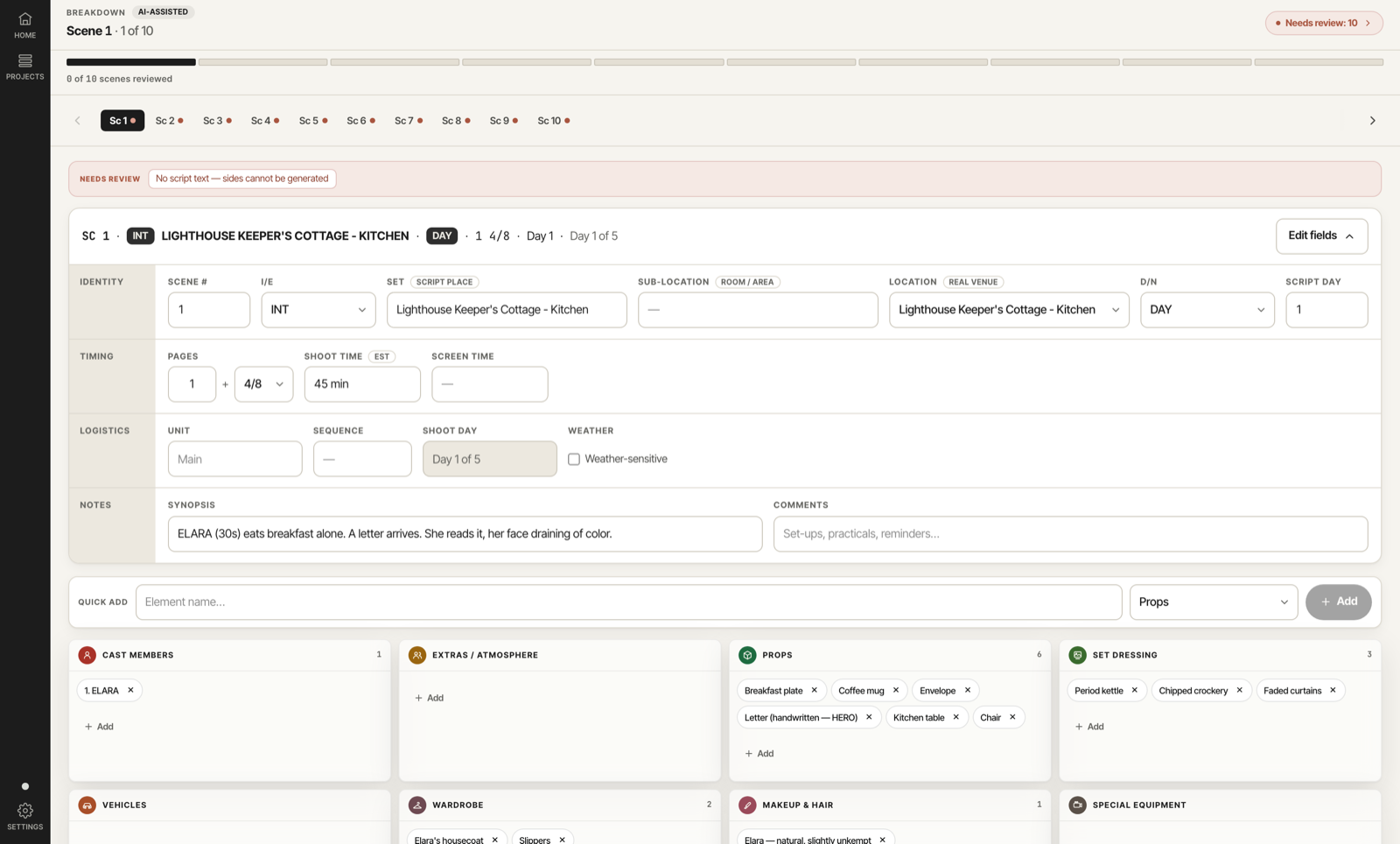
AI does the boring 80% of the breakdown and hands it back in minutes. It reads the script and tags the mechanical elements across every scene: cast names, INT/EXT, day/night, and the props and vehicles the script names outright. On a first feature-length pass that is two to four hours you get back.
You own the other 20%, which is the part that takes judgment: the implied action, the background counts nobody wrote as a number, the stunt buried in an action line. A good tool flags its own low-confidence tags so you know exactly where to look. That honesty is the feature, not a flaw.
So use it as a fast first pass, not a finished document. The tool tags. You review, flag, and make the calls. Hours back, judgment kept.
How the Breakdown Feeds Everything After It
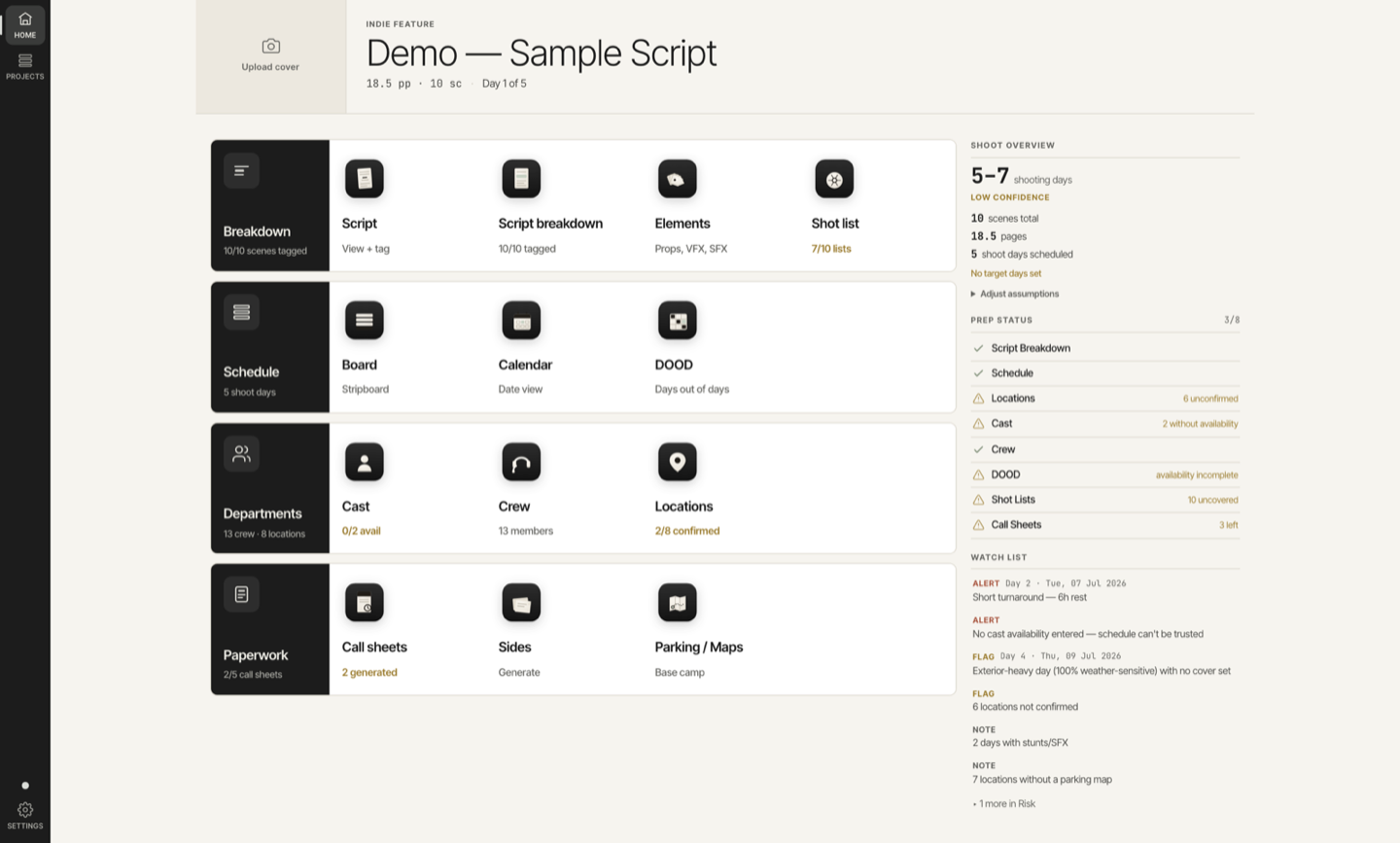
The breakdown is not a standalone document. It is the foundation every other piece of prep sits on, and a mistake in it copies itself downstream.
The stripboard is built from your tagged scenes: location, cast, INT/EXT, day/night, and page count all come straight off the breakdown. The Day Out of Days maps cast against days using the cast you tagged. The call sheet pulls the elements shooting that day.
So the stakes are higher than they look. Miss a night exterior and you won't see the forced call it creates the next morning until the schedule is already built on it. Get the breakdown right and everything downstream inherits the accuracy instead of the error.
Before you hand the breakdown off to the schedule, run it against these. Each one is a gap that only shows up later, when it is expensive.
- Every scene tagged, including the ones that read as easy
- Implied elements caught: background counts, buried stunts, night exteriors
- Page counts in eighths, not eyeballed
- Low-confidence tags flagged for a second look
Free Color-Coded Breakdown Sheet
If you're breaking down by hand, start from a real sheet instead of a blank page. Our free color-coded breakdown sheet lays out every element category with the standard color code down the side. Print it, grab your highlighters, and work scene by scene.
It's the same structure the software builds automatically, so if you graduate from paper to a tool later, nothing about your method has to change.
Script Breakdown FAQ
Who does the script breakdown on a film? On most productions the 1st AD owns the breakdown, because they build the schedule from it. On smaller shows a producer or line producer may do a budget-focused version first, but the scheduling breakdown is the AD's.
How long does a script breakdown take? By hand, a 90 to 120 page feature runs roughly a day or two of focused work. Call it 20 to 40 hours. A first-pass AI breakdown gets you a draft in minutes, but you still spend a few hours reviewing and correcting it.
What are the standard script breakdown colors? The common set is red for cast, yellow for silent extras, green for atmosphere, orange for stunts, blue for special effects, purple for props, pink for vehicles and animals, and brown for sound. There is no one legally-fixed standard, so match whatever the show already uses.
What is a breakdown sheet? A breakdown sheet is the one-per-scene form that lists every tagged element for that scene (cast, extras, props, effects, and the rest) plus the scene number, location, page count, and day/night. The stack of sheets is your raw material for the stripboard.
Can AI break down a script accurately? AI handles the mechanical tagging well: named cast, INT/EXT, day/night, explicit props and vehicles. It saves hours on the first pass. It misses implied elements, background counts, and unlabeled stunts, so treat it as a strong draft that an AD reviews, not a finished breakdown.
Break It Down Once, Right
You now have the AD's method: read for logistics, tag every element, count in eighths, catch what the script only implies, and treat the breakdown as the foundation the whole schedule stands on.
AD PrePro reads your script and builds that first-pass breakdown for you, tagging every element and flagging low-confidence items for review, then carries it straight into the stripboard, Day Out of Days, and call sheets. Upload a script and start with the tagging already done.